Six months ago, Andrej Karpathy coined "vibe coding" to describe a new way of writing software: you describe what you want in plain language, an AI writes the code, and you steer the output by feel. Developers loved it. Millions adopted the workflow almost overnight.
Here is the question nobody asked loudly enough: if AI can write code from a description, why are teams still dragging rectangles around a canvas to build a pitch deck?
That gap is exactly what vibe design fills. Instead of choosing fonts, aligning boxes, and nudging margins pixel by pixel, you describe the outcome you need. AI agents handle layout, typography, color harmony, and content structure. You guide the result by intent, not by specification.
If you have ever spent three hours formatting a 15-slide investor deck when the real work was the story, this article is for you. We will cover what vibe design actually means, how it works in practice, where it differs from traditional workflows, and how to evaluate whether a platform genuinely supports it.
What Is Vibe Design?
Vibe design is an AI-first approach to visual content creation where you express intent in natural language and specialized AI agents produce the artifact. You describe the vibe you want, the system designs it, and you iterate by giving feedback rather than editing individual elements.
The term builds directly on "vibe coding," a phrase Andrej Karpathy introduced in February 2025 to describe programming by feel with AI assistance. Where vibe coding applies to software, vibe design applies to everything visual: presentations, posters, architecture diagrams, reports, landing pages, and resumes.
Three things separate vibe design from "asking ChatGPT for a slide outline":
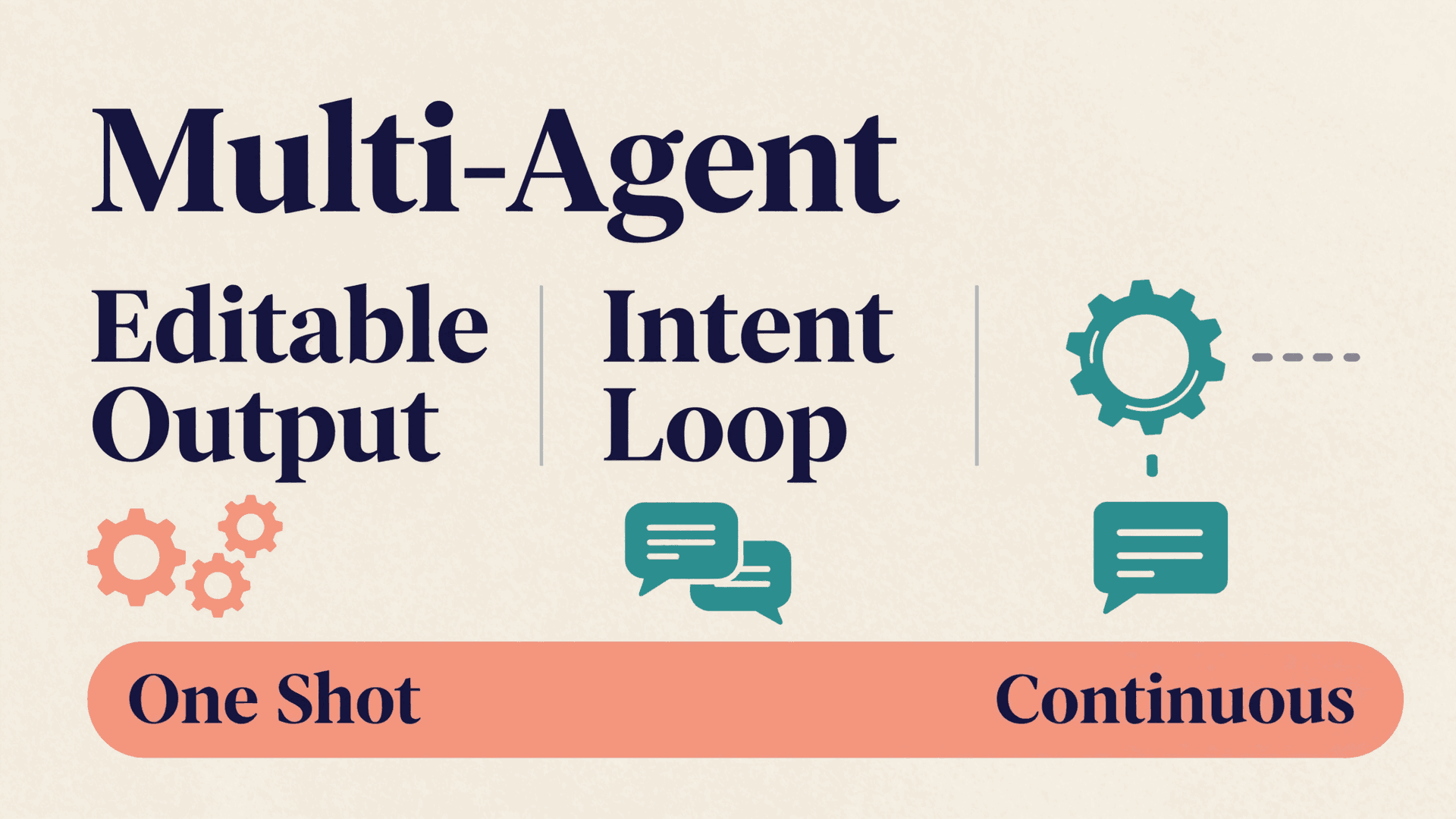
- Multi-agent orchestration. A single language model generates text. Vibe design platforms use specialized agents for different jobs: one plans the narrative structure, another handles visual layout, a third checks quality.
- Editable output. The result is not a screenshot. It is structured, editable content you can refine at any level of detail.
- Iteration by intent. You say "make the opening slide more dramatic" or "add a comparison table in section three." You do not drag a text box 4 pixels to the left.
Want to see how multi-agent collaboration works in practice? Explore how AI agents collaborate on content to understand the architecture behind this approach.
From Vibe Coding to Vibe Design: How the Idea Expanded
Vibe coding proved a powerful insight: when AI handles the mechanical work, humans can focus on intent and judgment. Software engineers stopped worrying about semicolons and started thinking about architecture.
The same shift is happening in design. Consider what a marketing manager named Priya experienced last quarter. Her team needed a 20-slide sales enablement deck for a product launch. The old workflow: brief a designer, wait three days, get a draft, request changes, wait two more days, repeat. Total time: two weeks. Using a vibe design workflow, she described the narrative arc in four sentences, selected a visual mood, and had a first draft in eight minutes. After two rounds of feedback, the deck was ready.
Priya did not learn Figma or PowerPoint. She did not write CSS. She described what she needed, the AI built it, and she steered the output by feel. That is vibe design.
The expansion from coding to design was inevitable for three reasons:
- Design is even more bottlenecked. Most teams have more people who need visual content than people who can produce it.
- The output is constrained. Presentations, posters, and reports follow well-understood structures. AI excels in structured domains.
- Iteration is cheap. Unlike code, where a wrong output might break a production system, a wrong slide is just a slide you regenerate.
How Vibe Design Works in Practice
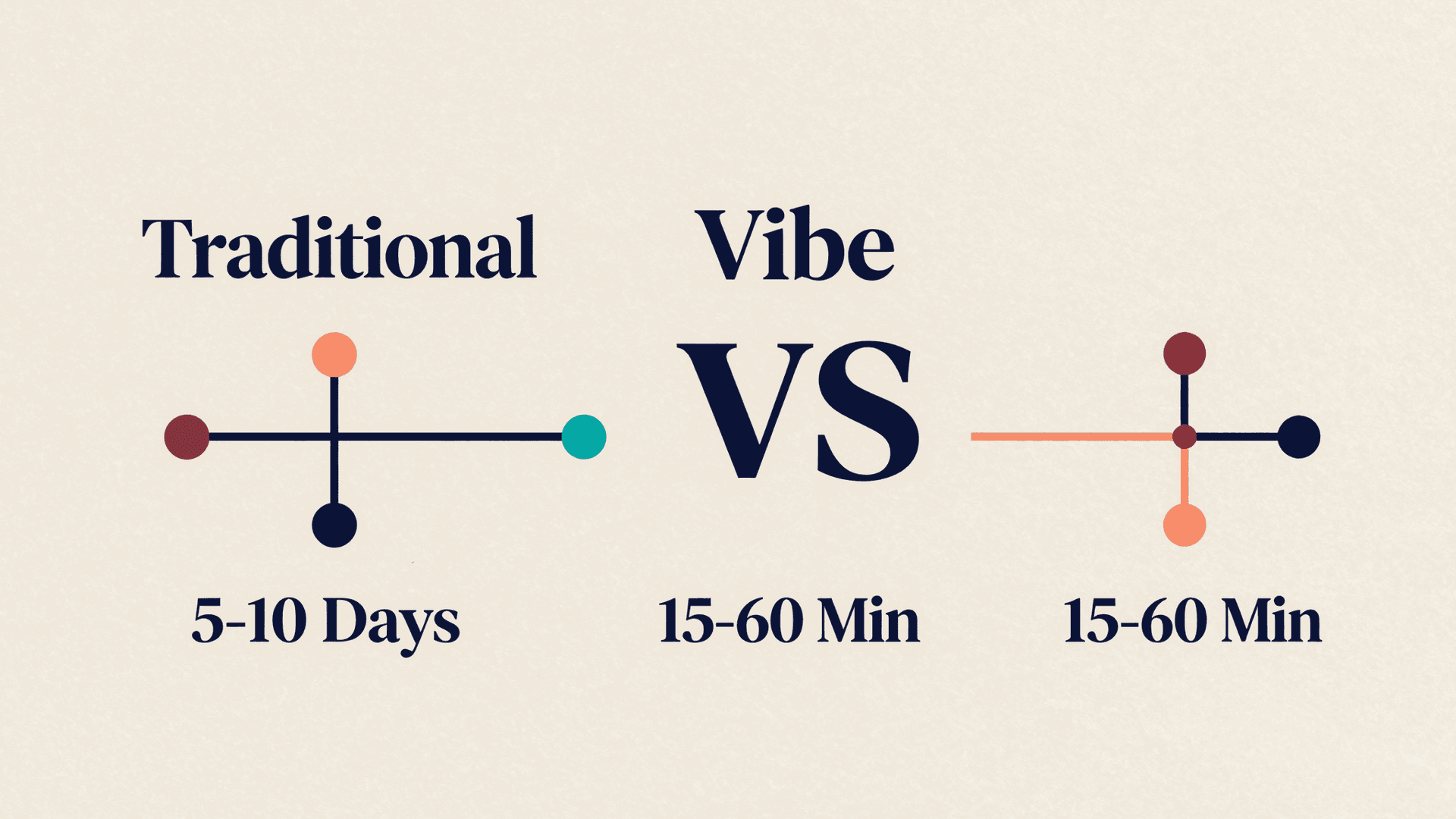
A vibe design workflow has four stages. Each one shifts effort from manual execution to human judgment.
1. Describe
You provide a natural-language brief. This can be a sentence ("Create an investor pitch deck for a B2B SaaS company targeting enterprise HR teams") or a document you upload. The more context you give, the better the output.
2. Plan
The system generates a structural plan: how many sections, what narrative flow, which visual styles fit the content type. On platforms with Human-In-The-Loop (HITL) checkpoints, you approve or adjust the plan before generation begins.
3. Generate
Specialized AI agents produce the artifact. In a multi-agent system, this means one agent writes content, another handles layout, a third selects colors and typography, and a quality checker reviews the result. You see output in real time, page by page, not after a long wait.
4. Refine
You iterate by giving feedback in natural language ("Make section three more visual, add a competitor comparison table") or by directly editing elements. The best platforms offer both: a conversational layer for high-level direction and a detailed editor for pixel-level control.
| Stage | Traditional Workflow | Vibe Design Workflow |
|---|---|---|
| Input | Detailed brief + brand guidelines PDF | Natural language description |
| Planning | Manual outline in Google Docs | AI-generated structure with HITL approval |
| Execution | Designer works in Figma/PowerPoint | AI agents generate artifact in real time |
| Revision | Email feedback, 2-3 day cycles | Conversational iteration, minutes per cycle |
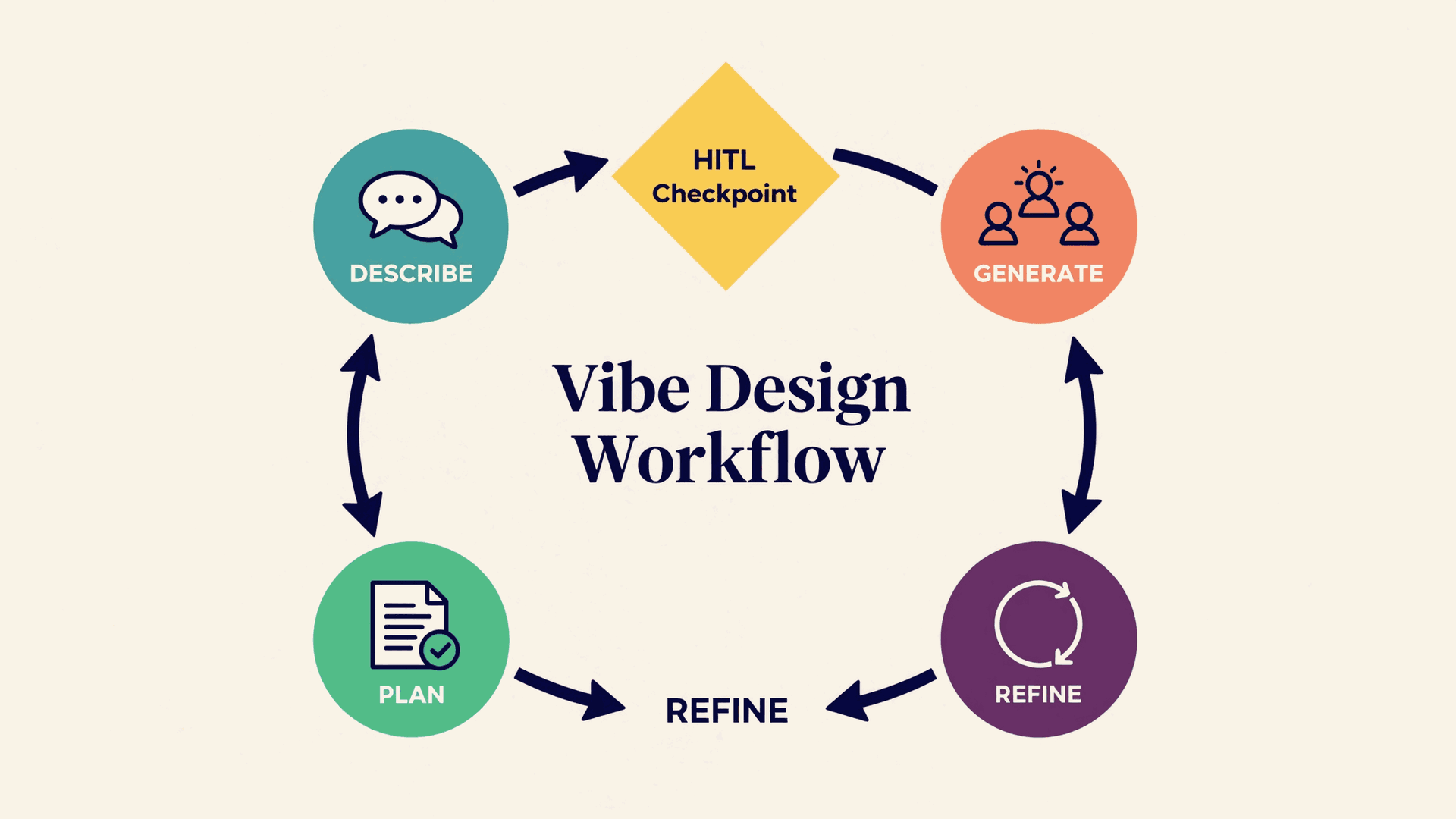
| Timeline | 5-10 business days | 15-60 minutes |
Vibe Design vs Traditional Design Workflows
The difference is not about replacing designers. It is about changing who can produce design-quality output and how fast.
| Dimension | Traditional Design | Vibe Design |
|---|---|---|
| Skill required | Design software proficiency (Figma, PowerPoint, Canva) | Ability to describe intent clearly |
| Speed | Hours to days per artifact | Minutes per artifact |
| Quality ceiling | Limited by designer skill and time | Limited by AI capability and human feedback quality |
| Editability | Full manual control | Ranges from conversational to pixel-level, depending on platform |
| Scalability | Linear with headcount | One person can produce output that previously required a team |
| Best for | Novel creative work, brand-defining projects | Structured content at speed: decks, reports, diagrams, posters |
A common misconception: vibe design replaces creative professionals. It does not. It replaces the formatting grunt work that consumes 70% of most design tasks. Designers who adopt vibe design tools spend less time aligning boxes and more time on the creative decisions that actually matter.
Ready to test the difference? Start creating with AtomStorm and go from a one-sentence prompt to a polished artifact in minutes, no credit card required.
Key Principles of Effective Vibe Design
Not every "AI design tool" qualifies as vibe design. The approach has specific principles that separate genuine implementations from marketing labels.
Intent Over Specification
You describe what you want, not how to build it. "A clean, data-driven pitch deck for Series A investors" is an intent. "Use Helvetica 24pt bold for headers, #2D3748 for body text, 40px padding" is a specification. Vibe design starts with intent and lets you drill into specification only when you choose to.
Iteration Speed Over Perfection
The first draft will not be perfect. The workflow is built around fast iteration: generate, review, adjust, regenerate. A platform that takes 10 minutes to produce a first draft and 2 minutes per revision cycle is more valuable than one that takes 30 minutes but nails it on the first try. Speed compounds.
AI as Creative Partner, Not Tool
A tool does what you tell it. A creative partner contributes ideas you had not considered. Good vibe design platforms suggest narrative structures, recommend visual approaches, and flag potential issues in your content. You are still the decision-maker, but the system brings its own expertise.
Transparent Process
You should see how the AI reached its decisions. Did it choose a three-act narrative structure? Why did it pick that color palette? Platforms that show you the reasoning, not just the output, build trust and give you better levers for iteration.
Output Ownership
The artifact you create is yours. It should be editable at every level, exportable to standard formats (PPTX, PDF, PNG), and free of vendor lock-in. If a platform generates images you cannot decompose into editable elements, that is not vibe design. That is a black box.
What Makes a Good Vibe Design Platform
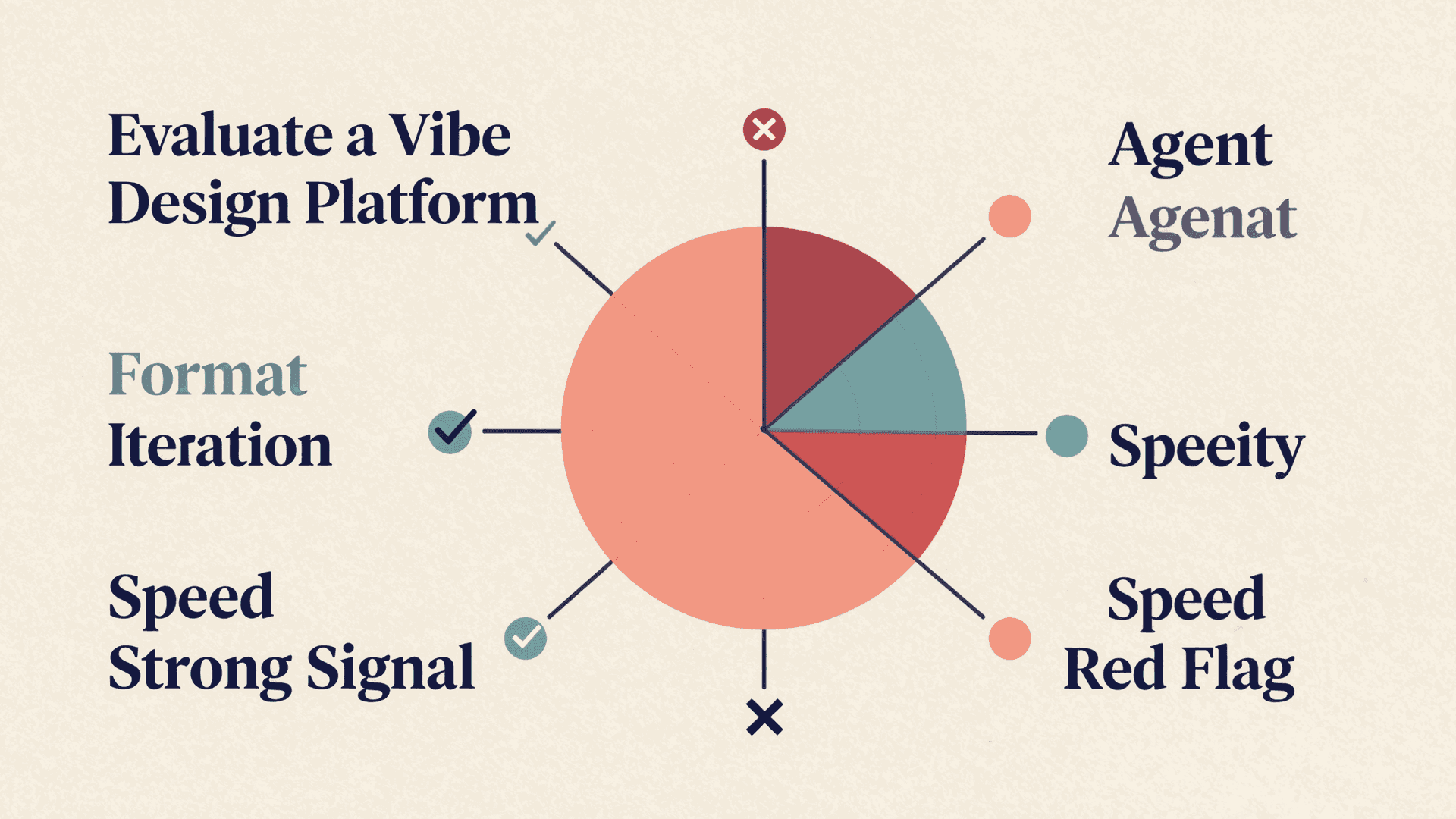
When evaluating tools, ask these questions:
| Criterion | What to look for | Red flag |
|---|---|---|
| Agent architecture | Multiple specialized agents for different tasks | Single model handles everything |
| Output format | Editable structured content (HTML, PPTX elements) | Flat images or locked formats |
| Iteration model | Natural language feedback + manual editing | Either-or, not both |
| HITL checkpoints | User approves key decisions before generation | Fully automated with no control points |
| Export quality | Clean PPTX, PDF, PNG without artifacts | Broken formatting, missing fonts, layout shifts |
| Generation speed | Real-time streaming, page-by-page preview | Wait for entire document to finish |
| Customization depth | From one-sentence prompts to full code-level editing | Only simple prompts, no detail control |
AtomStorm Studio was built around these principles. The HTML Container architecture means every artifact is editable code, not a locked image. Banana Mode handles the one-sentence-to-polished-deck workflow. Code Mode gives pixel-perfect control when you need it.
Real-World Use Cases for Vibe Design
Vibe design is not a single-use-case technology. It applies wherever structured visual content meets time pressure.
Pitch Decks and Investor Materials
Marcus, a solo founder raising pre-seed funding, needed an investor deck. He had no designer and no budget. He described his product, market, and traction in five sentences, selected a clean professional style, and had a 12-slide deck in seven minutes. After adjusting the competitive landscape slide and tightening the financial summary, he sent it to three angels that afternoon. Two took meetings. The whole process took less than an hour.
For more on this use case, see our practical guide to AI pitch deck generators.
Architecture and Technical Diagrams
Engineering teams use vibe design to produce system architecture diagrams, data flow charts, and infrastructure overviews. Instead of fighting with draw.io or Lucidchart, they describe the system and let AI handle the visual layout.
Marketing and Campaign Assets
Marketing teams produce posters, social media graphics, and campaign presentations at a pace that would require three designers. One team lead described a product launch campaign, and the system generated a slide deck, three poster variants, and a landing page outline in a single session.
Reports and Strategy Documents
Quarterly business reviews, market analyses, and competitive assessments follow predictable structures. Vibe design turns a data-heavy brief into a formatted report with charts, tables, and executive summaries.
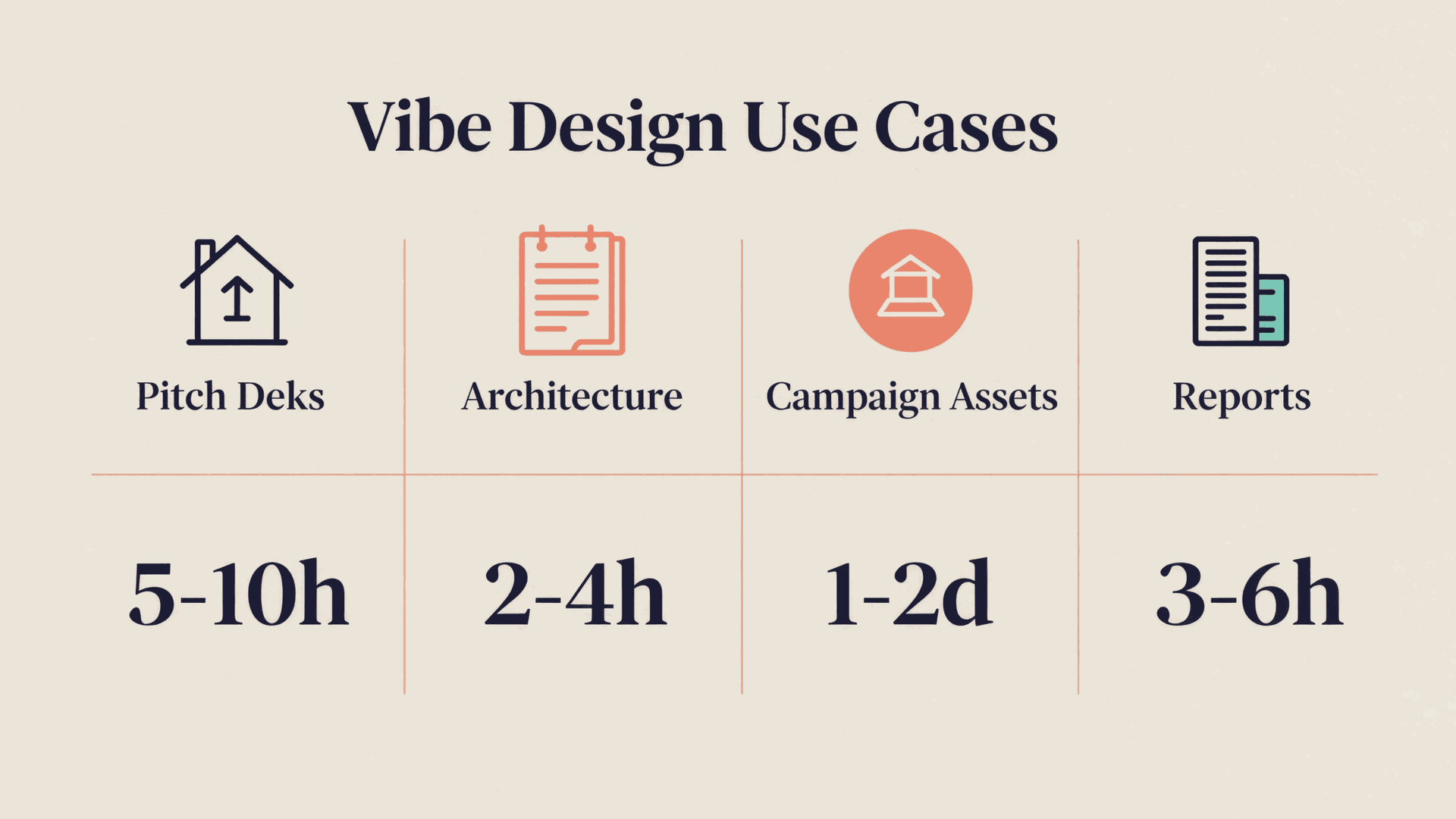
| Use Case | Input | Output | Time Saved |
|---|---|---|---|
| Pitch deck | 5-sentence brief | 12-15 slide deck | 5-10 hours |
| Architecture diagram | System description | Visual diagram with labels | 2-4 hours |
| Campaign assets | Campaign brief | Deck + posters + landing page outline | 1-2 days |
| Quarterly report | Data + narrative points | Formatted report with charts | 3-6 hours |
Common Misconceptions About Vibe Design
| Misconception | Reality |
|---|---|
| "It replaces designers" | It replaces formatting work. Designers focus on creative direction and brand strategy instead of pixel-pushing |
| "Output looks generic" | Quality depends on the platform. Multi-agent systems with design-sense prompts produce output that rivals human work |
| "You lose control" | Good platforms offer both conversational iteration and detailed editing. You choose the level of control |
| "It only works for simple content" | Structured content of any complexity works well: 50-slide strategy decks, detailed technical diagrams, multi-section reports |
| "It is just a ChatGPT wrapper" | True vibe design uses specialized agents, HITL checkpoints, and editable output. A text prompt going to GPT-4 is not vibe design |
| "Quality is not good enough for clients" | The standard has risen fast. Export fidelity, typography, and layout quality on leading platforms meet professional expectations |
Getting Started with Vibe Design Today
You do not need to overhaul your workflow overnight. Start with one use case where speed matters more than novelty.
Step 1: Pick a repeatable artifact. Monthly reports, team update decks, and sales proposals are ideal starting points. They follow predictable structures and consume disproportionate formatting time.
Step 2: Write a brief, not a spec. Describe the outcome in 3-5 sentences. Include the audience, the key message, and the desired tone. Skip the font choices and margin specifications.
Step 3: Iterate by feel. Review the first draft. Do not judge it against perfection. Ask: does the structure work? Is the narrative flow right? Give feedback in natural language and refine.
Step 4: Go deeper when needed. Once the structure is right, switch to detailed editing for the elements that need precision. Good platforms let you zoom from conversational to pixel-level without switching tools.
Step 5: Measure the difference. Track time-to-first-draft and total-time-to-final for three artifacts. Most teams see a 70-80% reduction in the first week.
The shift from traditional design to vibe design mirrors what happened with coding. Developers did not stop writing code. They stopped writing boilerplate. Designers will not stop designing. They will stop formatting.
The teams that adopt this workflow first will ship faster, iterate more, and spend their creative energy where it matters: on the ideas, not the rectangles.
Start creating with AtomStorm Studio and experience vibe design firsthand. Free plan, no credit card required.