
Drawing architecture diagrams is one of those tasks that engineers universally dislike and universally need. You know the system in your head. Getting it onto a screen in a way that other people can understand takes an hour of fighting with drag-and-drop tools, aligning arrows, and discovering that the box you need to resize is grouped with six other boxes you did not mean to touch.
An AI architecture diagram generator takes a different approach. You describe the system in text. AI produces the visual. You refine by describing changes rather than dragging objects.
The idea is straightforward. The execution varies wildly across tools. Some produce diagrams that are genuinely useful. Others produce something that looks like a diagram but falls apart the moment you try to edit it or present it to a team. This article covers what to look for, how the workflow compares to manual alternatives, and where AI diagram generation has real limitations.
Why Architecture Diagrams Are Hard to Automate
Before evaluating AI tools, it helps to understand why this problem is harder than it looks.
A good architecture diagram is not just boxes and arrows. It encodes decisions about abstraction level (do you show individual microservices or service groups?), visual hierarchy (what is the most important component?), flow direction (what calls what?), and audience appropriateness (is this for the engineering team or the board?).
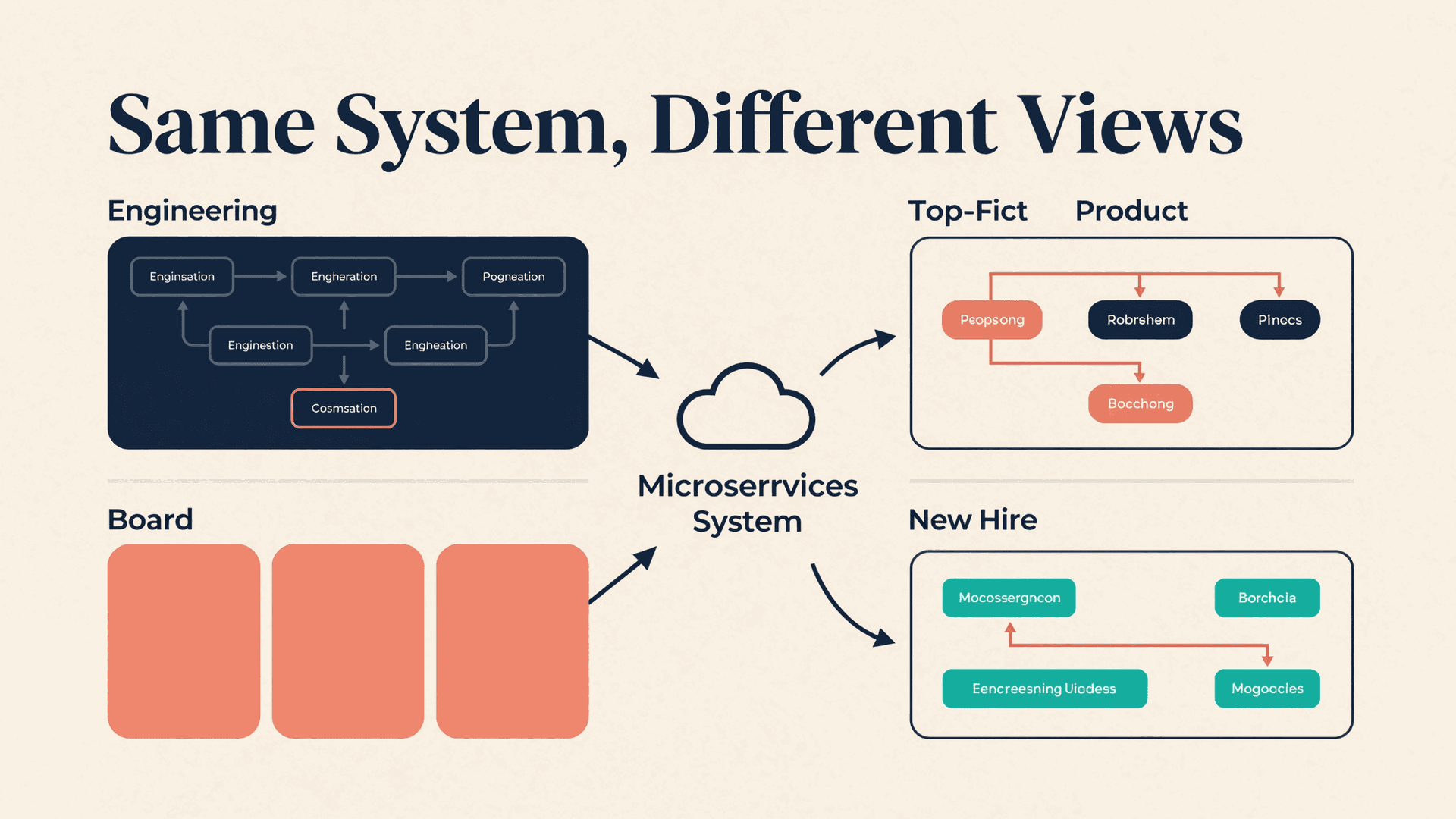
A diagram of the same system looks completely different depending on who is reading it:
| Audience | Diagram type | What matters |
|---|---|---|
| Engineering team | C4 Component or Container level | Service boundaries, API contracts, data stores, deployment units |
| Product stakeholders | High-level system context | User flows, integrations, key capabilities |
| Board / investors | Simplified architecture | Scale story, technology moat, infrastructure cost structure |
| New team members | Onboarding overview | Entry points, dependencies between teams, key repositories |
A manual tool like draw.io or Lucidchart lets you make all of these decisions explicitly. You choose what to include, what to omit, and how to arrange it. The cost is time: 30 minutes to 2 hours per diagram, depending on complexity.
An AI architecture diagram generator needs to make these decisions from a text description. The quality of the output depends on how well the AI infers the right abstraction level, the right visual hierarchy, and the right amount of detail for the context.
How AI Architecture Diagram Generators Work
The workflow has three phases, regardless of the tool.
Phase 1: Input
You provide a description of the system. This ranges from a single paragraph ("three microservices, a PostgreSQL database, a Redis cache, fronted by an API gateway and served through CloudFront") to a detailed specification with component names, protocols, and data flows.
Better input produces better output. "A web app with a database" gives the AI almost nothing to work with. "A Next.js frontend served from Vercel, calling a FastAPI backend on AWS ECS, with PostgreSQL on RDS and file storage on S3 via presigned URLs" gives the AI enough to produce something meaningful.
Phase 2: Generation
The AI produces a visual representation. This is where tools diverge significantly:
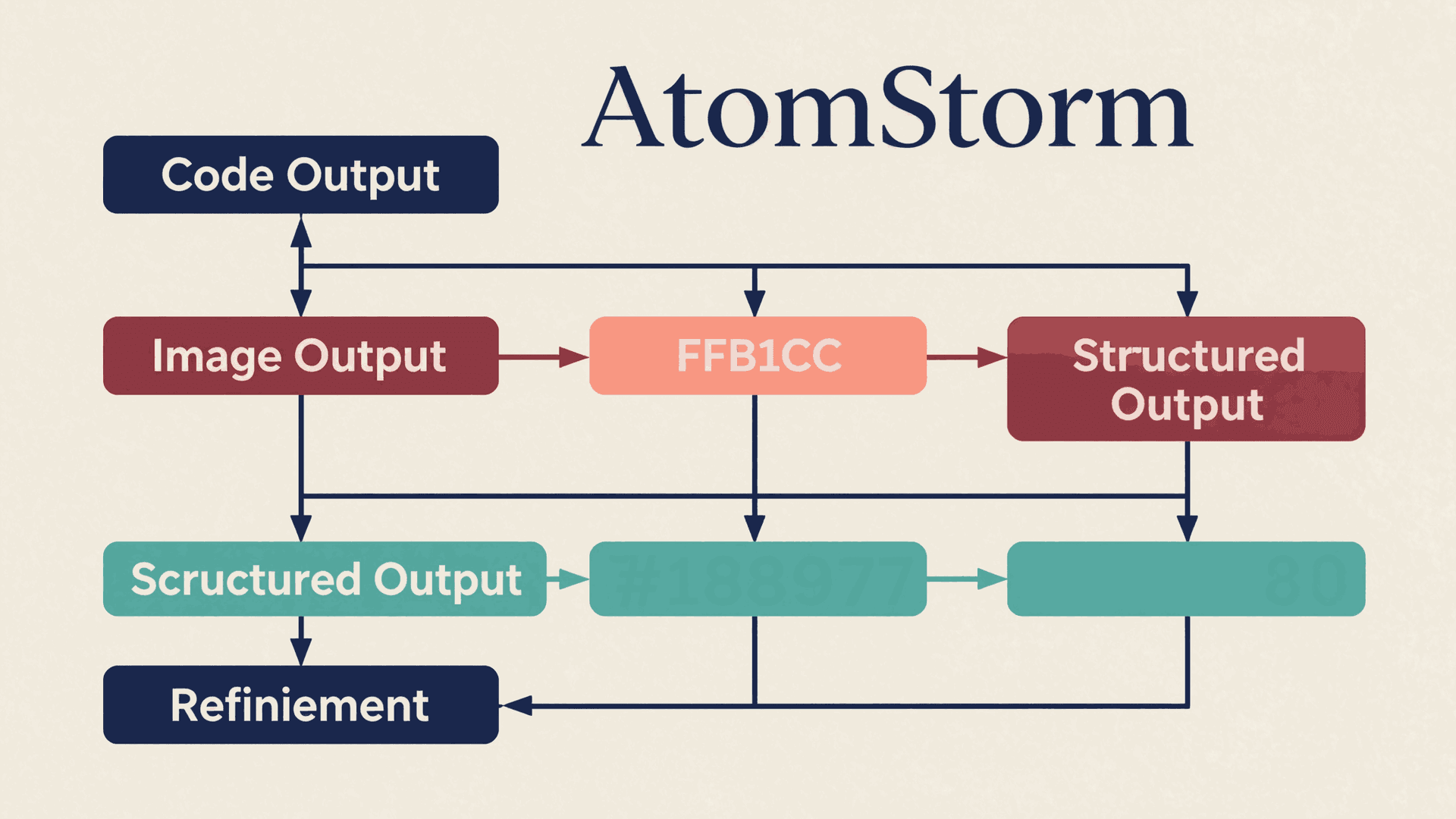
Code-based output (Mermaid, PlantUML, D2). The AI generates diagram-as-code markup that a renderer turns into an image. Advantage: the output is version-controllable and reproducible. Disadvantage: layout is algorithmic, and complex diagrams often have overlapping labels or awkward arrow routing.
Image output. The AI generates a raster image directly. Advantage: the visual can be more polished. Disadvantage: you cannot edit individual elements. If the API gateway box needs to move, you regenerate the entire diagram.
Structured output (HTML, SVG). The AI generates editable structured content where each element is individually addressable. Advantage: you can edit, restyle, and export without regenerating. Disadvantage: more complex to implement.
Phase 3: Refinement
You review the diagram and iterate. "Move the database to the right side. Add a connection from Service B to the cache. Remove the monitoring layer, it is not relevant for this audience."
The refinement phase is where most tools either shine or collapse. A tool that requires regenerating the entire diagram for every change is frustrating. A tool that lets you adjust individual elements while preserving the overall layout is practical.
Comparing Your Options
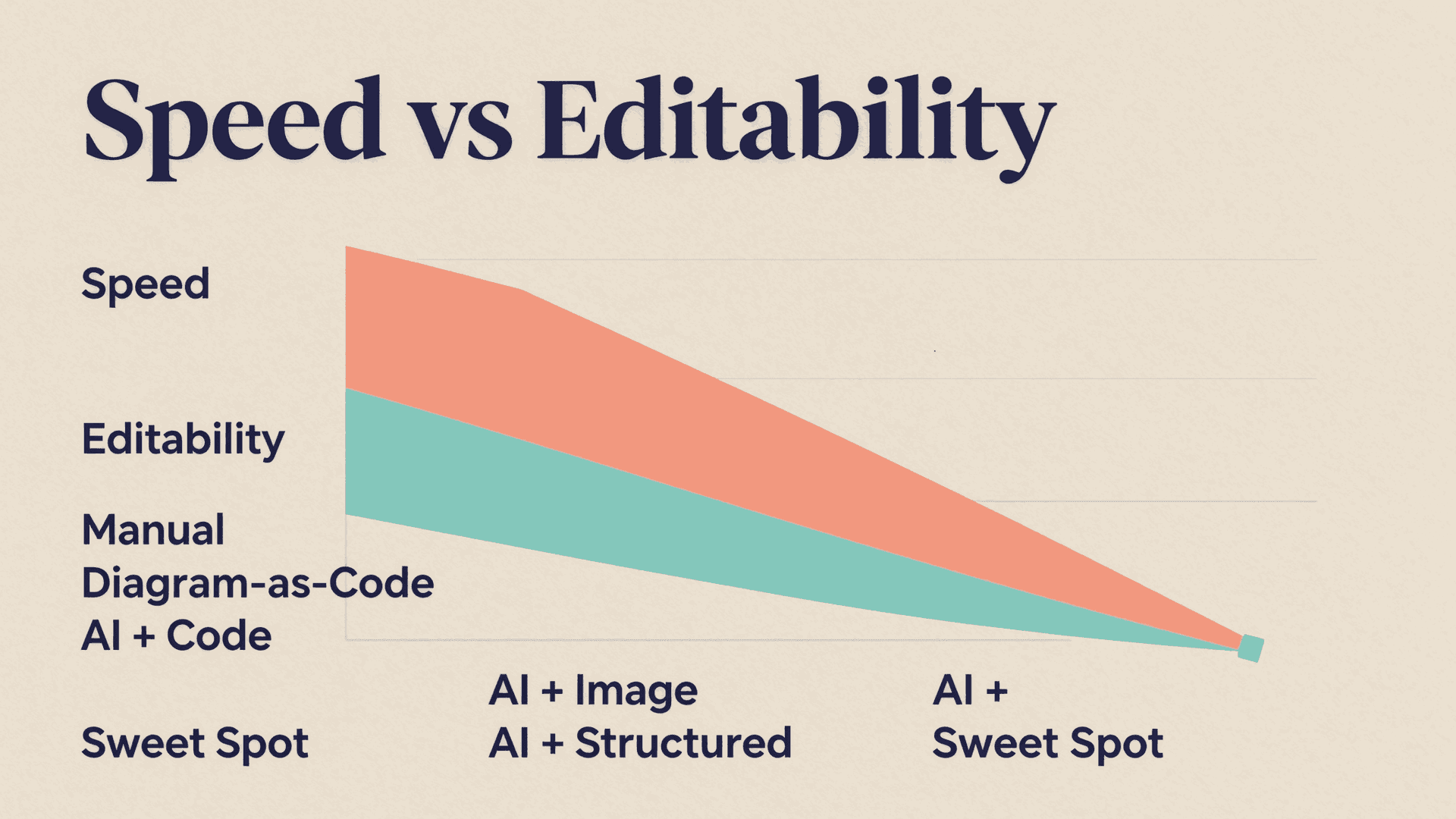
| Approach | Speed | Editability | Visual quality | Version control | Best for |
|---|---|---|---|---|---|
| Manual (draw.io, Lucidchart) | Slow (30-120 min) | Full manual control | High (human judgment) | Limited (binary files) | Polished, audience-specific diagrams |
| Diagram-as-code (Mermaid, D2) | Medium (15-30 min to write) | Edit code, re-render | Medium (algorithmic layout) | Excellent (text files in git) | Developer documentation, CI/CD integration |
| AI + code output | Fast (2-5 min) | Edit generated code | Medium | Good (generated code is text) | Quick drafts, documentation |
| AI + image output | Fast (1-3 min) | None (regenerate to change) | Varies | Poor (binary files) | Disposable diagrams, brainstorming |
| AI + structured output (HTML/SVG) | Fast (2-5 min) | Full element-level editing | High (designed layout) | Good (structured files) | Presentation-ready diagrams, team communication |
The last option, AI generation with structured editable output, is where the field is heading. It combines the speed of AI generation with the editability of manual tools. AtomStorm's HTML Container architecture uses this approach: diagrams are generated as editable HTML where every box, arrow, and label is an individual element you can modify, restyle, or reposition.
What Good AI Diagram Generation Looks Like
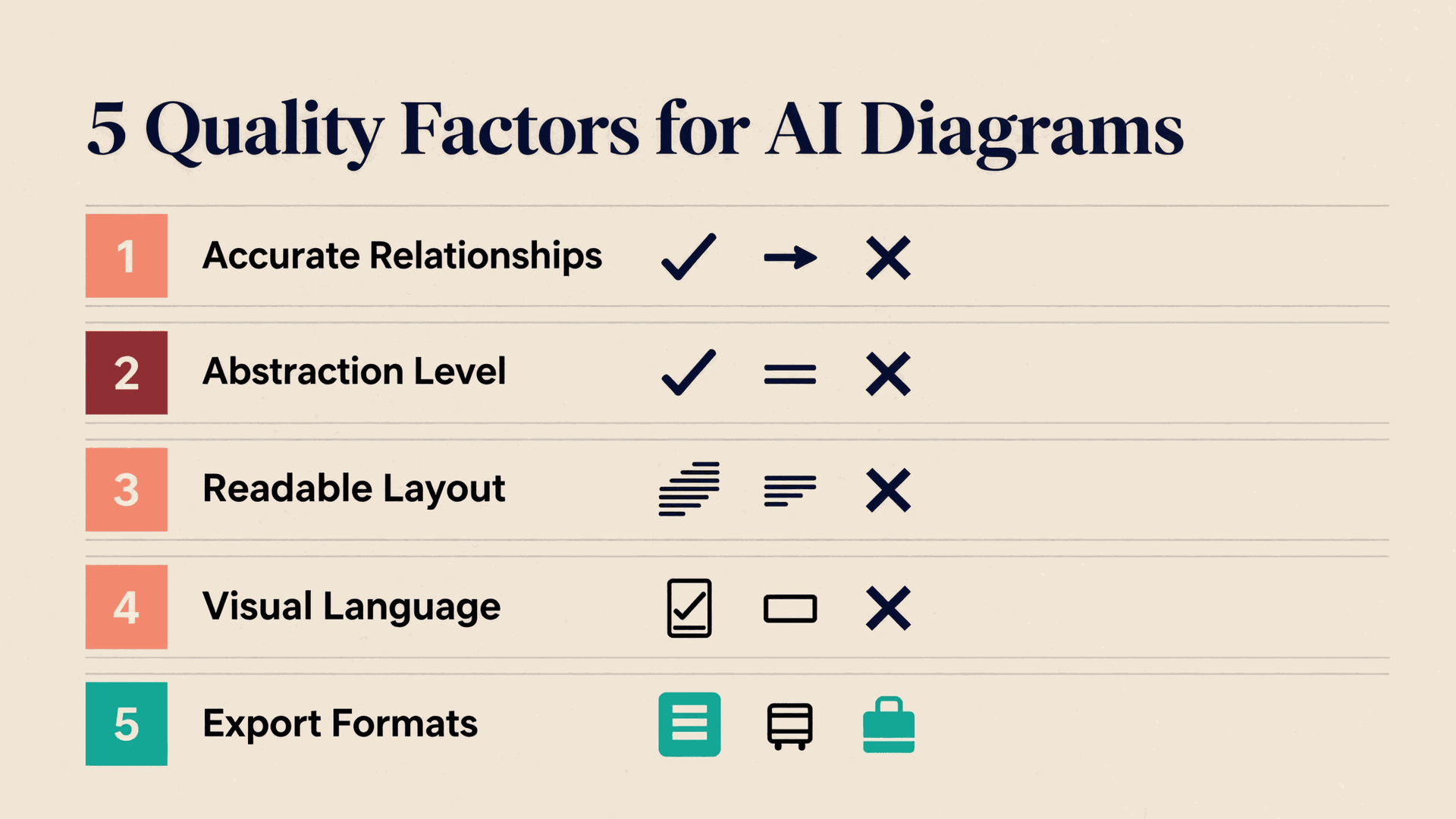
The difference between a useful AI-generated diagram and a useless one comes down to five factors.
1. Accurate Component Relationships
The AI must correctly infer which components connect to which. If you describe "a React frontend calling a REST API, backed by PostgreSQL," the diagram should show Frontend → API → Database, not Frontend → Database (skipping the API). This sounds obvious, but models that lack architectural reasoning frequently flatten hierarchies or create incorrect connections.
2. Appropriate Abstraction Level
A description of a Kubernetes-deployed microservices system should not produce a diagram showing individual pods and ConfigMaps unless you asked for that level of detail. The AI needs to match the abstraction level to the implied audience.
3. Readable Layout
Overlapping labels, crossing arrows, and cramped spacing make a diagram worse than no diagram. Layout quality is the most common failure mode in AI-generated diagrams, especially for complex systems with more than 8-10 components.
4. Consistent Visual Language
Databases should look like databases. Load balancers should look like load balancers. Users should be distinguishable from services. A diagram where every component is an identical rectangle with a text label forces the reader to read every label to understand the system. Good visual language communicates component types at a glance.
5. Exportable to Useful Formats
An architecture diagram locked inside an AI chatbot is not useful. You need it in your design doc, your slide deck, your wiki. PNG for embedding in documents. SVG for web pages. Editable format for continued iteration. PPTX for presentations.
Want to generate presentation-ready architecture diagrams? Try AtomStorm's AI diagram generation with full editing and multi-format export.
Where AI Diagram Generation Falls Short
Honesty about limitations builds more trust than hype. Here is where AI architecture diagram generators struggle.
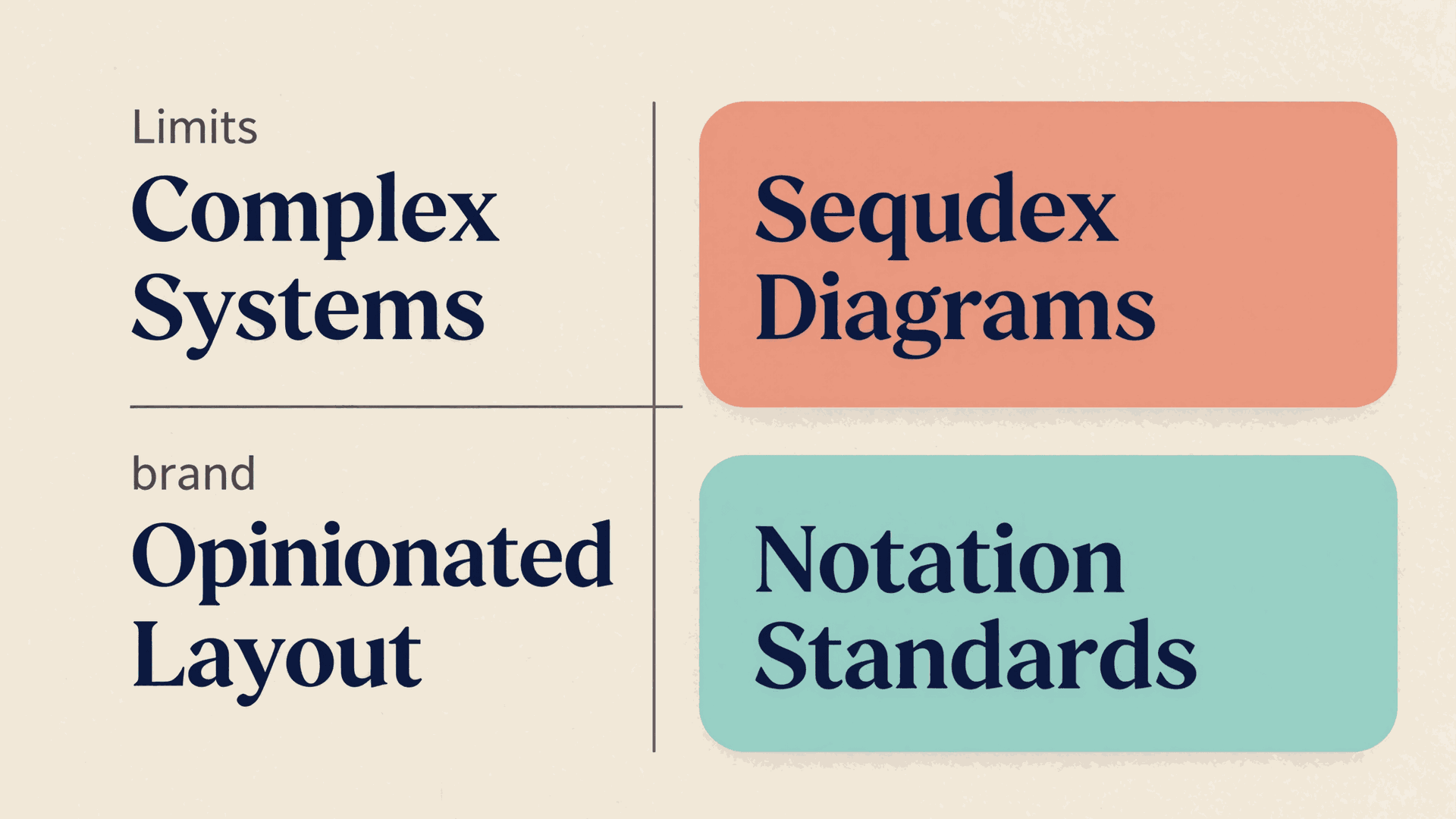
Complex systems with 20+ components. Layout quality degrades as complexity increases. Above 15-20 components, AI-generated diagrams typically need significant manual rearrangement. For systems of this complexity, starting with AI and finishing manually is faster than either approach alone.
Sequence and timing diagrams. Architecture diagrams (boxes and arrows) are well-suited for AI generation. Sequence diagrams (ordered interactions over time) are harder because the visual encoding is more constrained: the order of lifelines, the nesting of activation bars, and the alignment of message arrows all carry meaning that AI frequently mishandles.
Opinionated layout decisions. Where should the database be? Bottom? Right side? It depends on what story the diagram tells. AI makes a default choice. The default is often reasonable for a first draft and wrong for the final version. This is where human refinement matters.
Notation-specific output. If your team uses C4, ArchiMate, or UML component diagrams, the AI needs to know those notation rules. Generic AI tools produce generic visuals. Platform-specific tools that understand diagramming conventions produce better results for teams with established standards.
Practical Workflow: AI-Assisted Diagram Creation
Based on what works in practice, here is the recommended workflow:
Step 1: Write the description, not the diagram. Describe the system in 3-10 sentences. Include component names, the technology each uses, how they connect, and what data flows between them. Mention the audience if it is not obvious.
Step 2: Generate the first draft with AI. Accept that it will not be perfect. You are looking for a correct topology (right components, right connections) with an acceptable layout.
Step 3: Evaluate topology, not aesthetics. Is every component present? Are the connections correct? Is the abstraction level appropriate? If the topology is wrong, refine the description and regenerate. Do not try to fix structural errors by editing the visual.
Step 4: Refine the visual. Once the topology is correct, adjust the layout, labeling, and styling. On platforms with editable output, this means moving and restyling individual elements. On code-based tools, this means editing the generated markup.
Step 5: Export and version. Save the diagram in an editable format for future updates and in a presentation format for sharing. Architecture diagrams that cannot be updated when the system changes become misleading artifacts within months.
When to Use AI vs Manual Diagramming
| Scenario | Recommendation |
|---|---|
| Quick whiteboard replacement for a Slack discussion | AI generation, minimal editing |
| System overview for a new team member | AI generation + moderate editing |
| Architecture diagram for a design document | AI first draft + thorough refinement |
| Formal architecture review artifact | AI topology + manual layout and styling |
| Diagram for a client presentation or investor deck | AI draft + designer polish or Code Mode editing |
| Sequence or timing diagram | Manual (Mermaid or dedicated tool) |
The pattern: AI handles the first 60-80% of the work (correct topology, reasonable layout). Humans handle the last 20-40% (audience-appropriate styling, strategic emphasis, notation compliance).
Getting Started
If you are spending more than 30 minutes per architecture diagram, an AI generator will save time on day one.
Start with your most-redrawn diagram. Every team has one: the system overview that gets updated every quarter and takes an hour each time. Use that as your test case.
Write the description as if explaining to a new engineer. Name the components, state the technologies, describe the connections. That description is your input.
Compare the AI output against your current diagram. Is the topology correct? Did it capture the key relationships? Where did it miss? The gaps tell you how much refinement to expect on future diagrams.
Check the export. Can you put the diagram in a slide deck without it looking blurry? Can you edit individual elements? Can you update it next quarter without starting over?
Architecture diagrams are communication tools. The question is not whether AI can produce a perfect diagram. It is whether AI can get you to a useful diagram faster than dragging boxes around a canvas. For most teams, the answer is yes.
Generate your first AI architecture diagram: describe your system, watch agents build the visual, edit anything, export everywhere. Free to start.