
Designers do not need AI to replace their eye. They need it to stop wasting that eye on repetitive work.
The strongest designer-AI collaboration pattern is not "press a button and accept the result." It is closer to having a fast junior partner that can generate options, summarize inputs, and handle repetitive production tasks while the designer keeps control over structure, hierarchy, and final judgment.
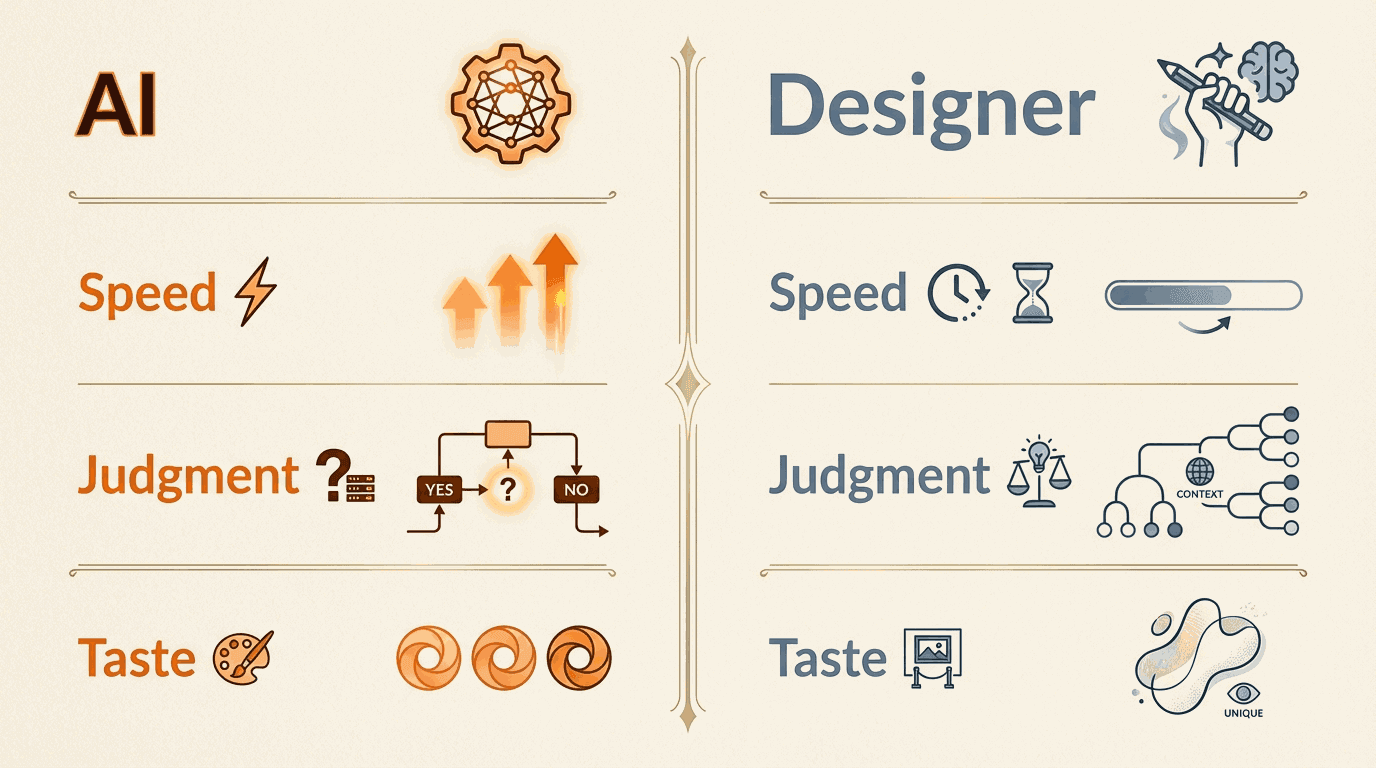
Use AI where speed matters more than authorship
There are parts of the workflow where AI can save meaningful time without reducing design quality:
- generating first-pass content blocks
- rewriting repetitive UI copy variations
- organizing workshop notes
- creating alternative directions for review
- converting one approved message into multiple asset formats
These are high-volume, low-identity tasks. They still matter, but they do not require the designer's full creative energy every time.
Taste should be spent on the decisions that shape the experience:
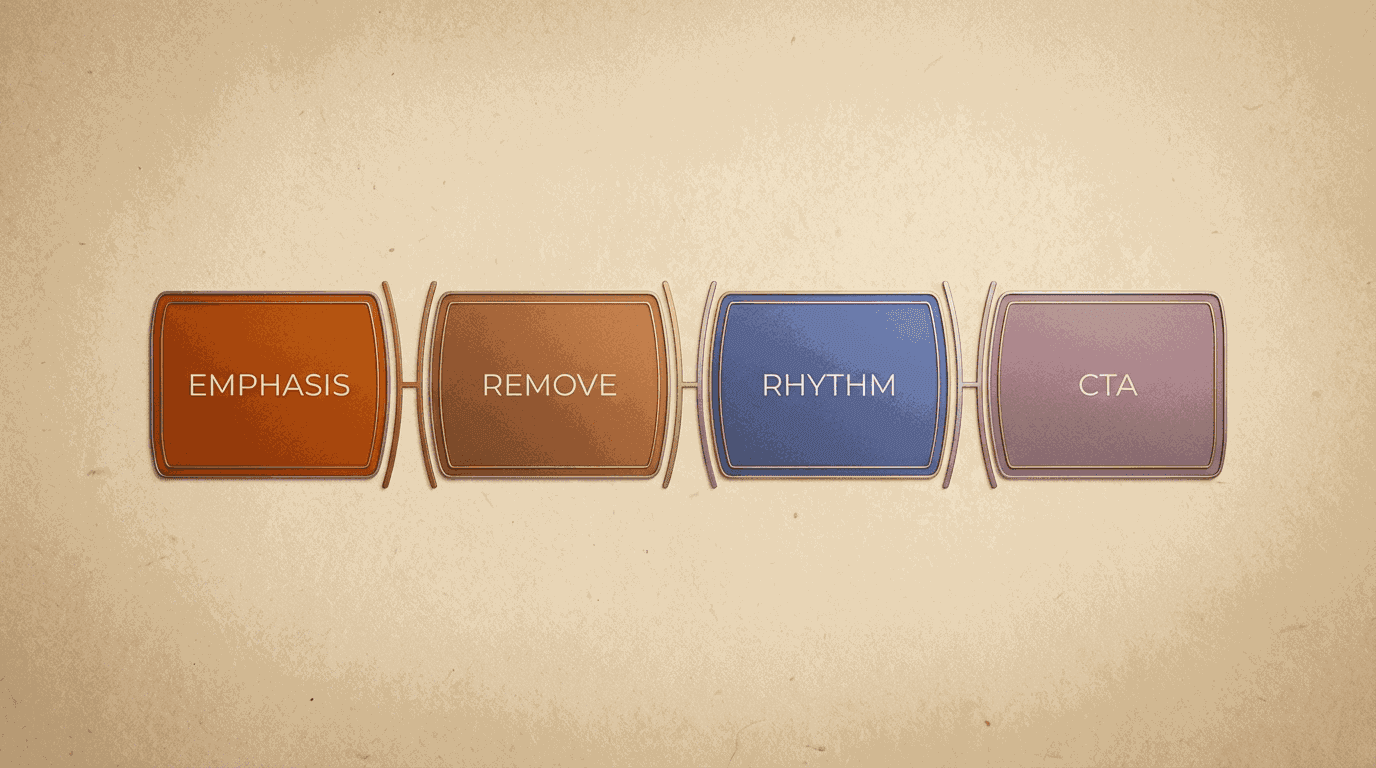
- what to emphasize
- what to remove
- what visual rhythm makes the story land
- what level of polish the surface deserves
Good prompts are less important than good constraints
Designers often get told to master prompt engineering as if that is the whole game. It is not.
The quality jump usually comes from constraints, not clever phrasing. AI performs much better when the designer provides:
- the audience
- the medium
- the tone
- the business objective
- examples of what "good" and "bad" look like
That gives the model a useful design brief instead of an open field. The result is still imperfect, but it becomes directionally correct enough to edit.
Don't outsource hierarchy
Hierarchy is where too many AI-generated assets fall apart. The tool might produce a lot of content quickly, but it often treats every idea with the same visual weight. That makes the output feel flat, even when the words are not terrible.
Designers should keep direct ownership over hierarchy:
- headline weight
- spacing rhythm
- pacing between dense and light sections
- visual entry points
- where the CTA belongs
These decisions determine whether the asset feels intentional. AI can propose. The designer still needs to compose.
Build a review ritual, not a cleanup marathon
When AI output arrives, the right mindset is not "polish this forever." It is "review against a fixed checklist."
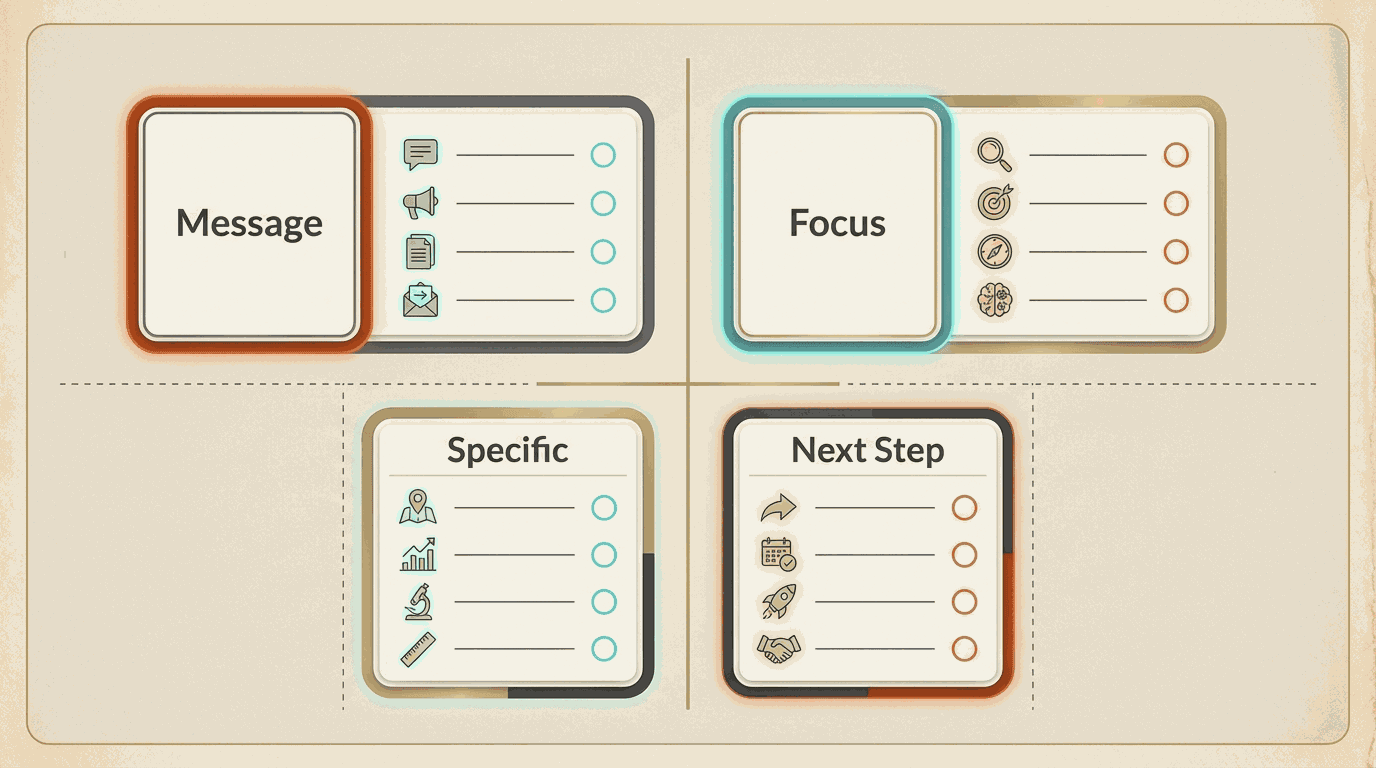
A short review checklist keeps the collaboration disciplined:
- Is the core message clear in the first screen or first slide?
- Does the layout establish a clean focal point?
- Is the copy specific enough to feel credible?
- Are there repeated phrases or obvious machine patterns?
- Would a real user know what to do next?
That kind of review is fast because it is based on standards, not vibes alone.
The goal is leverage, not ego protection
Some designers resist AI because they think using it weakens the craft. That is the wrong framing. The craft is not in manually producing every draft artifact. The craft is in seeing what should exist, what should change, and what quality looks like when it is done.
AI does not remove the need for taste. It raises the premium on it. When the machine can generate more options than ever, the designer who can choose, edit, and refine well becomes even more valuable.
The right collaboration model is simple: let AI make the messy first pass cheap, then let design judgment make the final result worth shipping. Teams that need to codify the visual system behind that review loop should pair this approach with create brand guidelines with AI.